Shortcodes
This theme includes some useful custom shortcodes that you can use to enhance your posts. Whether you want to display a gallery of images, or format a professional-looking reference section, these custom shortcodes have got you covered.
Alert Shortcode
Bring attention to information with these GitHub-style alert shortcodes. They
come in five types: note, tip, info, warning, and danger.
Some content with Markdown Some content with Markdown Some content with Markdown Some content with Markdown Some content with Markdown syntax. Here is a link.syntax. Here is a link.syntax. Here is a link.syntax. Here is a link.syntax. Here is a link.
You can change the title and icon of the alert. Both parameters take a
string and default to the type of alert. icon can be any of the available
alert types.
Some content with Markdown syntax. Here is a link.
Usage
You can use alerts in two ways:
-
Inline with parameters:
{{ alert(type="danger", icon="tip", title="An important tip", text="Stay hydrated~") }} -
With a content body:
{% alert(type="danger", icon="tip", title="An important tip") %}
Stay hydrated~

This method is particularly useful for longer content or multiple paragraphs.
{% end %}
Both methods support the same parameters (type, icon, and title), with the
content either passed as the text parameter or as the body between tags.
Zola 0.21.0 added
support for GitHub-flavored Markdown alert syntax. This notation may be used in
place of the alert shortcode, if desired.
> [!NOTE]
> This is a note.
However, the quality of the generated HTML is quite poor compared to the alert
shortcode, both semantics-wise and accessibility-wise, so its use is not
recommended.
See getzola/zola#2817 for more details.
Mastodon Shortcode
Embed a Mastodon post into your content using the mastodon shortcode.
Turns out that monitoring the health of a Wireguard VPN endpoint in #UptimeKuma is not as trivial as one might think. Yesterday, I managed to build something that, while not perfect, works well enough for me.
I run my main Wireguard instance directly on my #OPNsense router, and it turns out it's pretty trivial to hook up Uptime Kuma to the OPNsense developer API and check the health of my VPN that way! 😄
https://eyalkalderon.com/blog/monitor-wireguard-uptime-kuma/
Usage
{{ mastodon(url="https://hachyderm.io/@ebkalderon/114462281016082381") }}References
This shortcode formats a reference section with a hanging indent like so:
Alderson, E. (2015). Cybersecurity and Social Justice: A Critique of Corporate Hegemony in a Digital World. New York Journal of Technology, 11(2), 24-39. https://doi.org/10.1007/s10198-022-01497-6.
Funkhouser, M. (2012). The Social Norms of Indecency: An Analysis of Deviant Behavior in Contemporary Society. Los Angeles Journal of Sociology, 16(3), 41-58. https://doi.org/10.1093/jmp/jhx037.
Schrute, D. (2005). The Beet Farming Revolution: An Analysis of Agricultural Innovation. Scranton Agricultural Quarterly, 38(3), 67-81.
Steinbrenner, G. (1997). The Cost-Benefit Analysis of George Costanza: An Examination of Risk-Taking Behavior in the Workplace. New York Journal of Business, 12(4), 112-125.
Winger, J. A. (2010). The Art of Debate: An Examination of Rhetoric in Greendale Community College's Model United Nations. Colorado Journal of Communication Studies, 19(2), 73-86. https://doi.org/10.1093/6seaons/1movie.
Usage
{% references() %}

Your references go here.

Each in a new line. Markdown (links, italics...) will be rendered.

{% end %}
Responsive Image Shortcode
Convert a high-resolution source image into a responsive image using the
responsive_image shortcode.
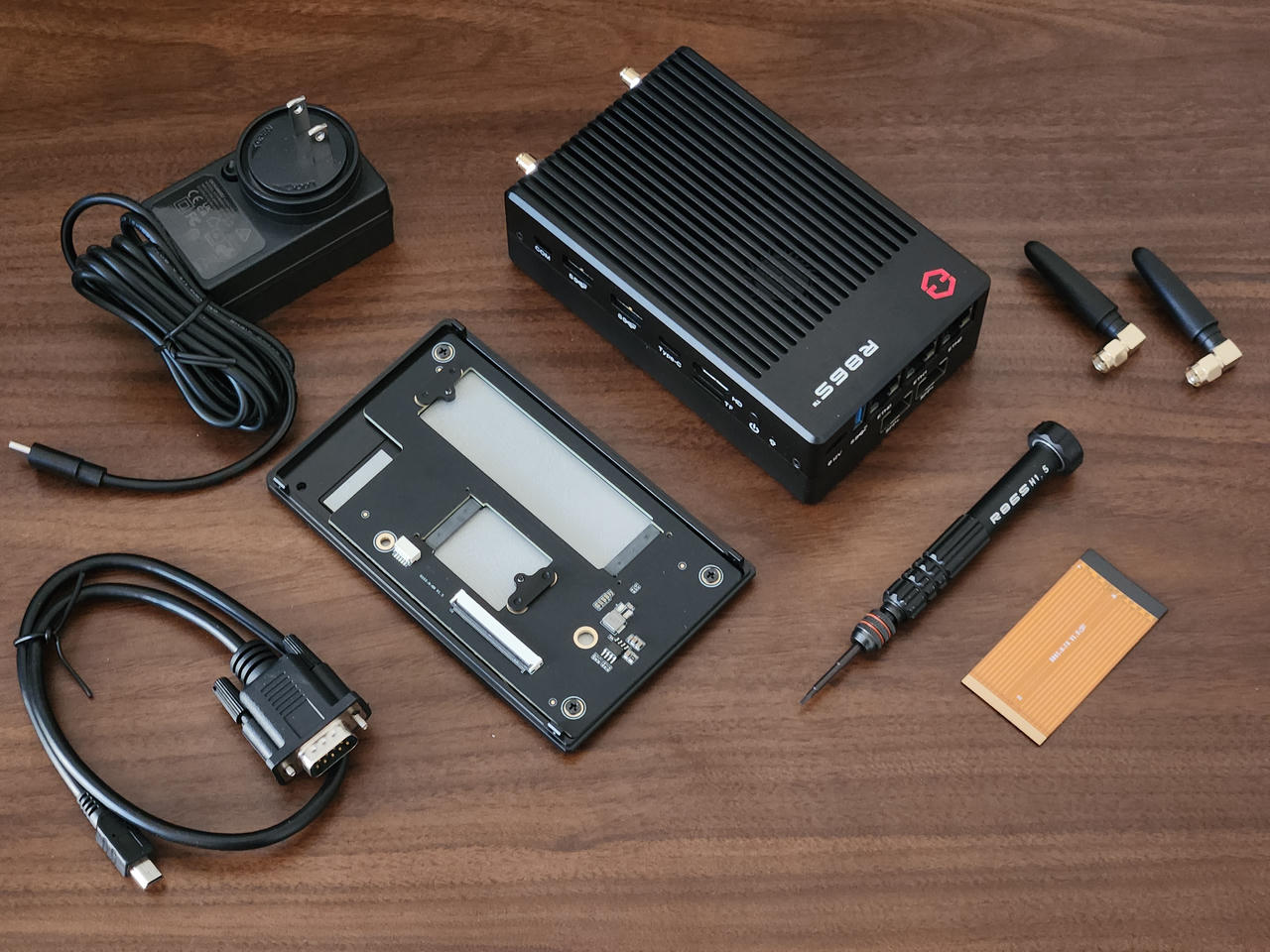
By default, responsive_image will generate at most five versions of the
source image, with the following maximum widths (measured in pixels):
- 640×height
- 784×height
- 1280×height
- 1920×height
- 2560×height
The browser will automatically select the smallest possible resolution while still retaining visual sharpness. Which image the browser displays depends on the device's native screen resolution, pixel density, viewport size, etc.
Usage
{{ responsive_image(src="example-hi-res-image.jpg", alt="Responsive hi-res image") }}The default behavior of the responsive_image shortcode can be overridden by
adding the following lines to your website's config.toml.
[extra.responsive_images]
widths = [640, 784, 1280, 1920, 2560]
fallback_width = 1280
Responsive images are lazy-loaded by default to improve performance for
below-the-fold content (see MDN docs). This behavior can be overridden on a
case-by-case basis by passing lazy=false to the responsive_image shortcode.
Wide Container Shortcode
Use this shortcode if you want to have a wider table, paragraph, code block... On desktop, it will take up the width of the article. It will have no effect on mobile, except for tables, which will get a horizontal scroll.
| Title | Year | Director | Cinematographer | Genre | IMDb | Duration |
|---|---|---|---|---|---|---|
| Beoning | 2018 | Lee Chang-dong | Hong Kyung-pyo | Drama/Mystery | 7.5 | 148 min |
| The Master | 2012 | Paul Thomas Anderson | Mihai Mălaimare Jr. | Drama/History | 7.1 | 137 min |
| The Tree of Life | 2011 | Terrence Malick | Emmanuel Lubezki | Drama | 6.8 | 139 min |
Usage
{% wide_container() %}

Place your code block, paragraph, table… here.

Markdown will of course be rendered.

{% end %}